Customer Value

Memoment can give three values to users.

Write Reviews

Users can write a comment with one or two sentences. They can also write a review of long paragraphs including a photo.

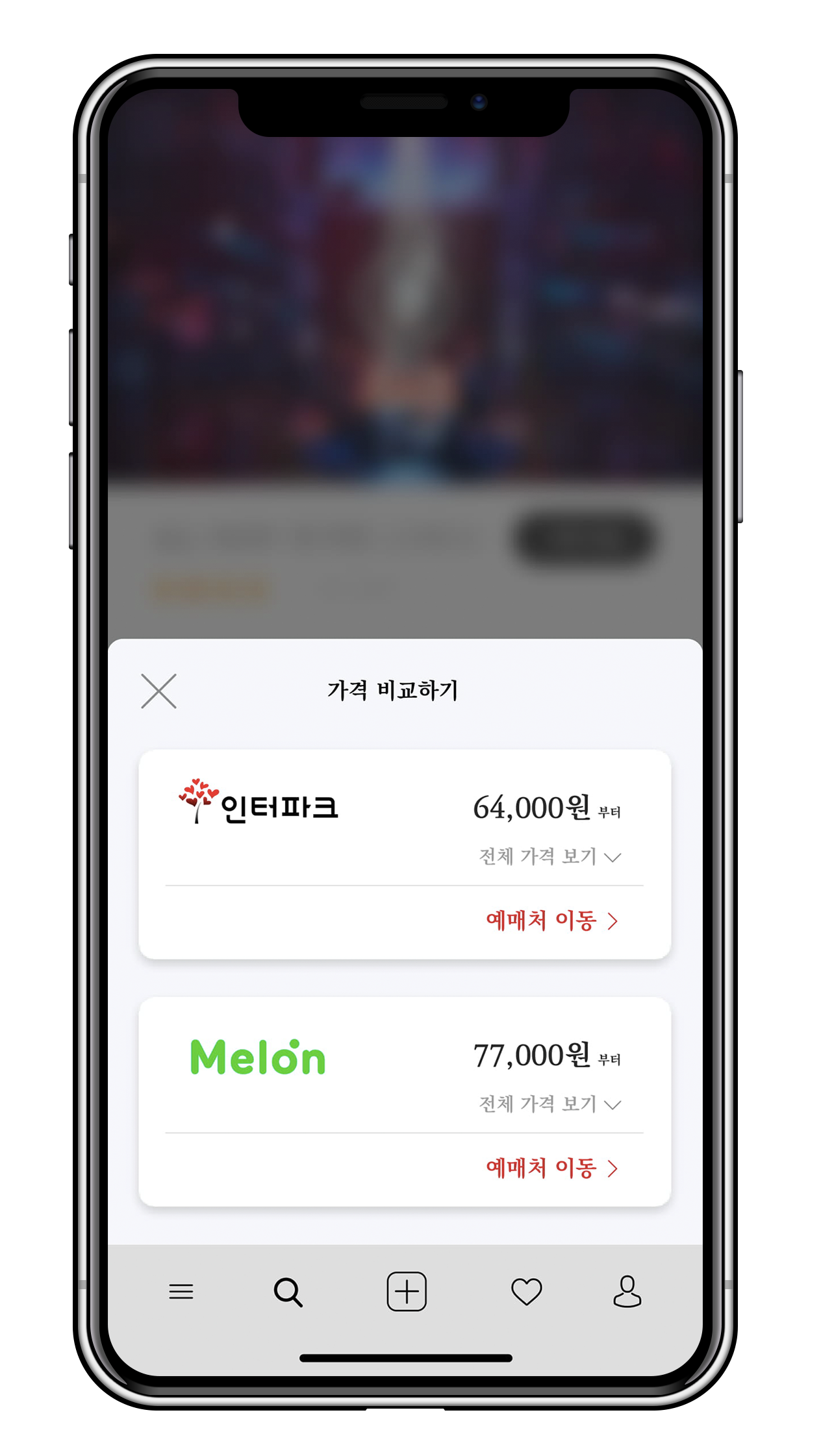
Price Comparison

When users want to reserve a ticket, they can compare prices of different reservation platforms using using Memoment.

Recommendation

Based on user's information and reviews, Memoment recommends movie, performance, and exhibition that users like.
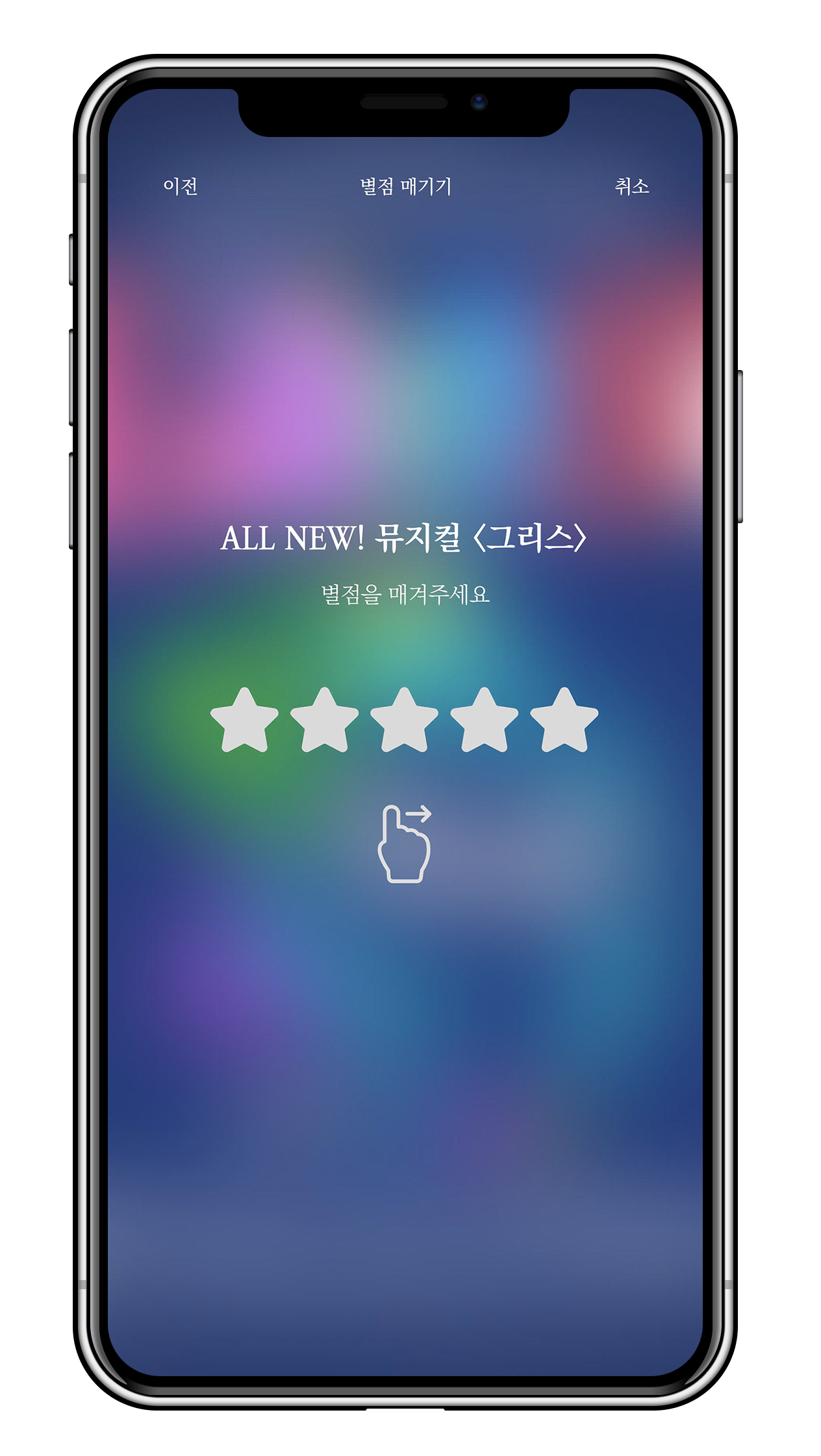
Step 1. Star Rating

Did you watch a movie, performance, or exhibition? Then use 'Memoment' to write a review. Did you like it or not? Before you write a review, give a star rating.

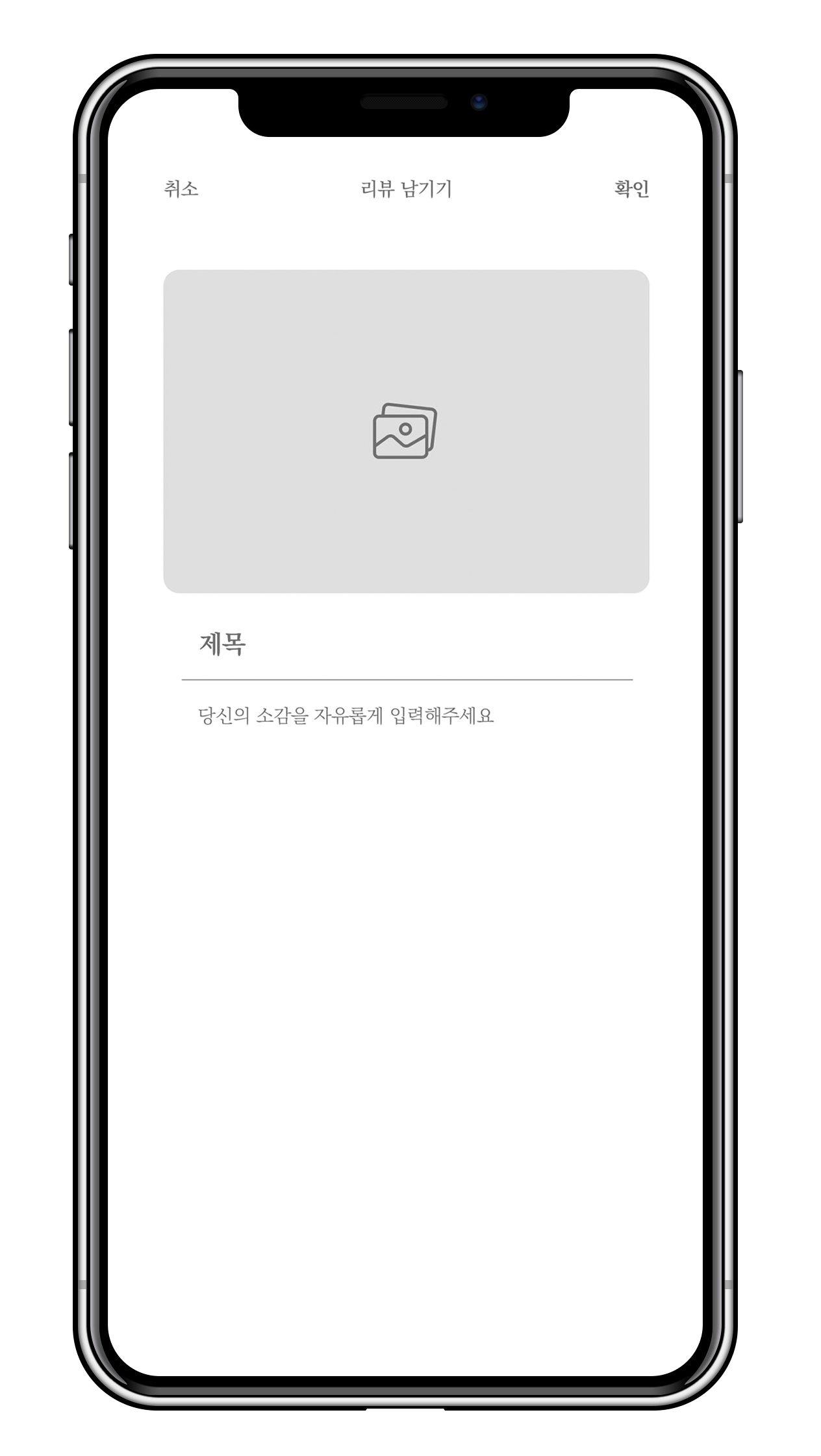
Step 2. Write Review

You can write 'comment' in one or two sentences. Or you can write 'review' in long paragraphs. Also, you can also add a photo you take or we provide for you.

Step 3. Check Your Feed

Your reviews will be saved in your 'My Page.' If you tap a poster, you can read reviews anytime. Also, you can arrange reviews in your own calendar.

Step 4. Price Comparison

After you finish writing your first review, you can share yours with others. In your feed, you can also get information about works that you're interested in.

How was it?

If you're interested in my project,