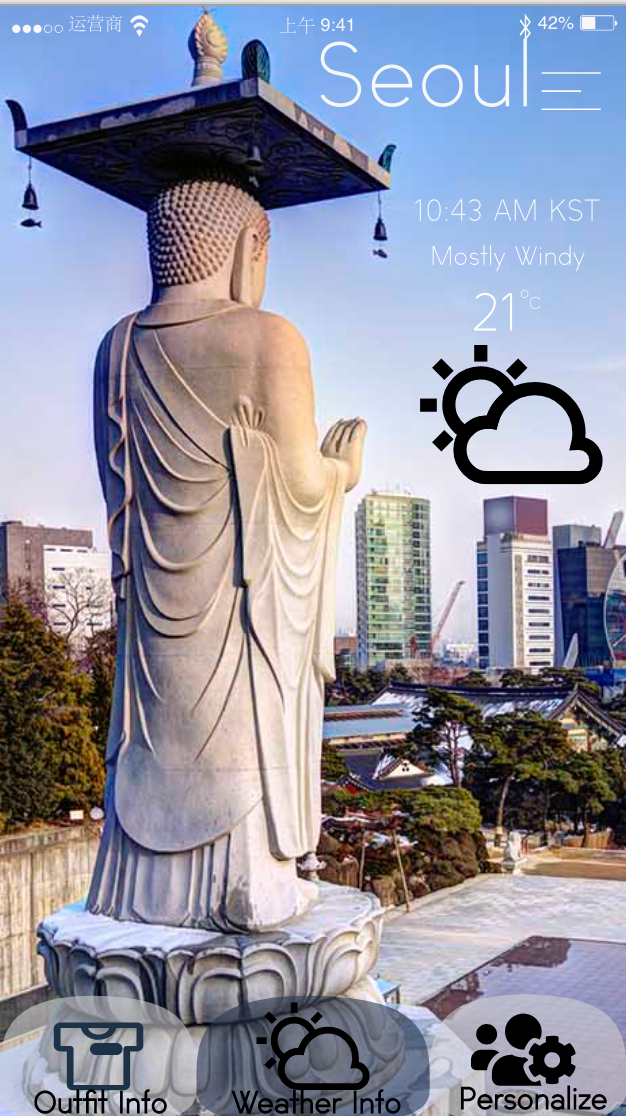
Main Screen
Including weather information like other common weather forecast.
Your peronal fashionalist with weather forecast
ADS:
An app mainly focus on weather forecast that can help people easily make decision about their daily outfits depending on the weather conditions.
Target User:
People concerns about fashion, and have no sense of the degree centigrade or Fahrenheit Degree.
Persona:
Outfit Weather will contain a major function of recommending types of clothes that users would better wear depending on the weather conditions, including temperature, wind speed, air conditions, and so on. User will be able to personalized the style of clothes, even related to the certain brand of clothing in order to get a more specific
Information
City information (name, time, picture) Weather information (temperatures, sky condition, pollution). A whole set of outfits recommendation including tops, buttons, shoes Add buttons to add on more cities Sign in page Personalize fashion preference (premium) Link to fashion website to related to certain products (collaborate with fashion companies and making money) personalize feeling settings (preference selections) Preference selections: leggings vs.long skirt in windy day…
Features
Aesthetical weather information display
Personalized information
Weather datas translation
Simplized weather info
Using Adobe XD.Mainly focused on mainscreen design, outfit functionality and initial shapping of personalized fashion preference.
Including weather information like other common weather forecast.
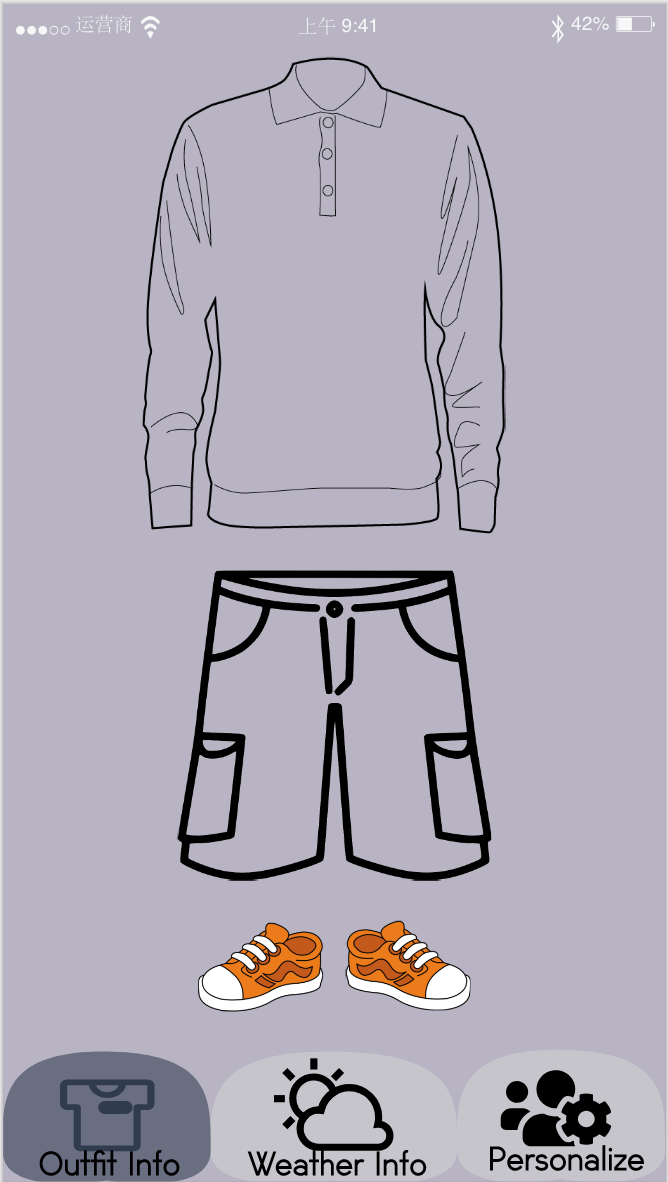
Outfit recommendation according to the weather information on the first page.
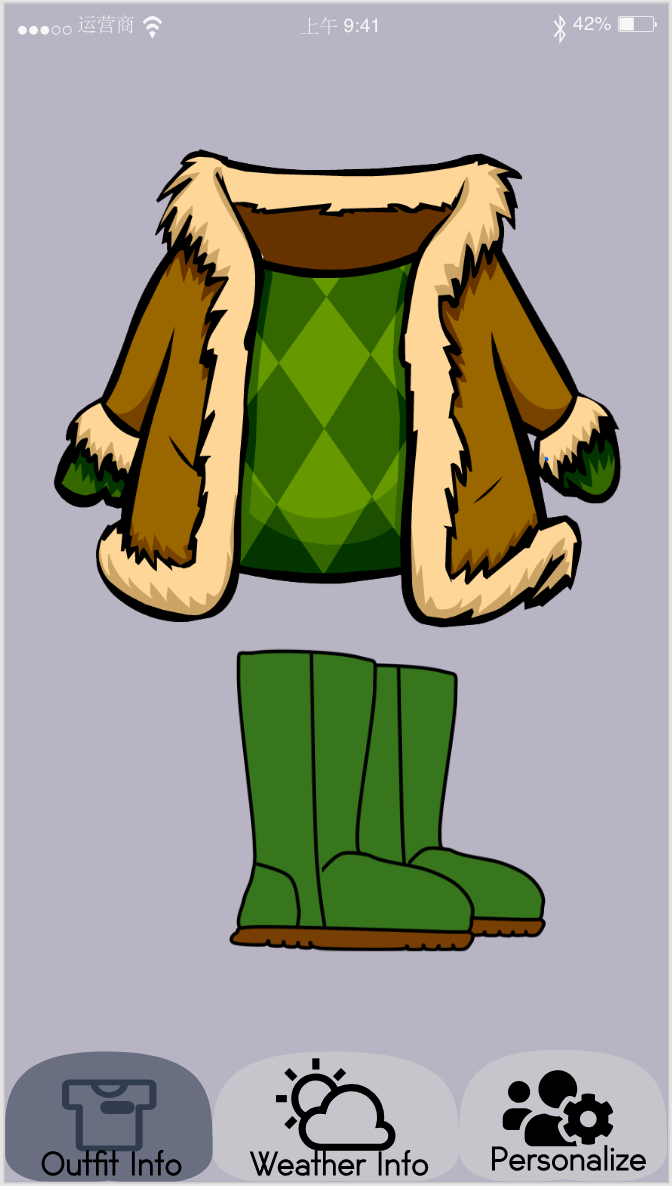
Outfit recommendation in other sitation (example).
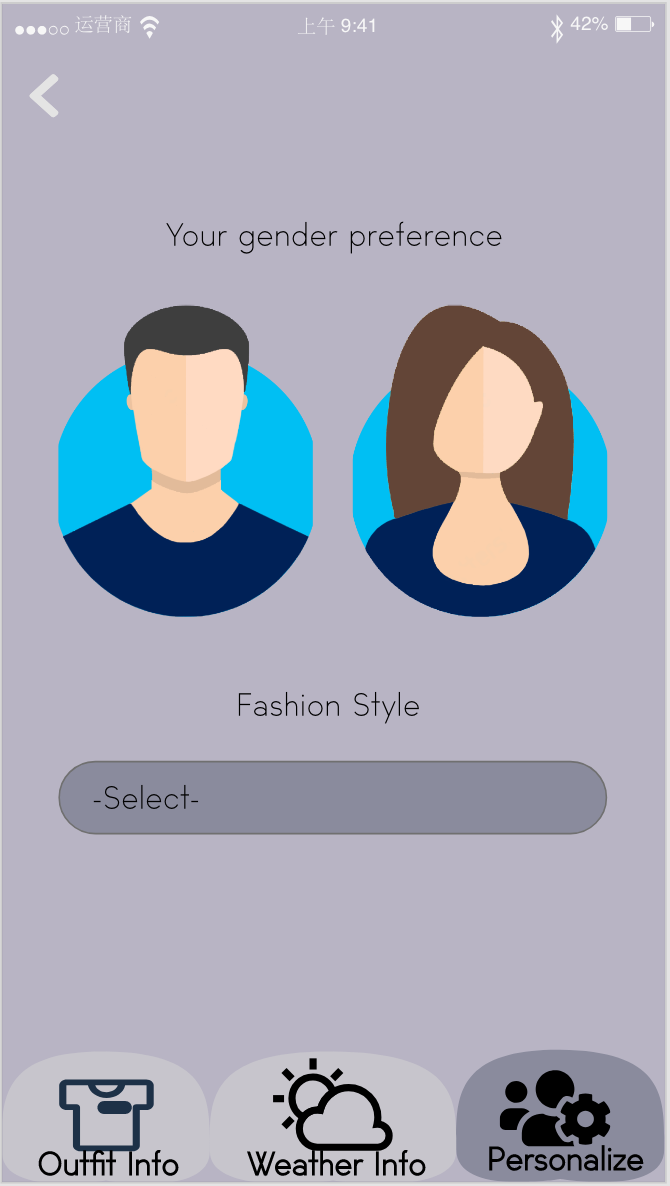
Gender and fashion style selection.
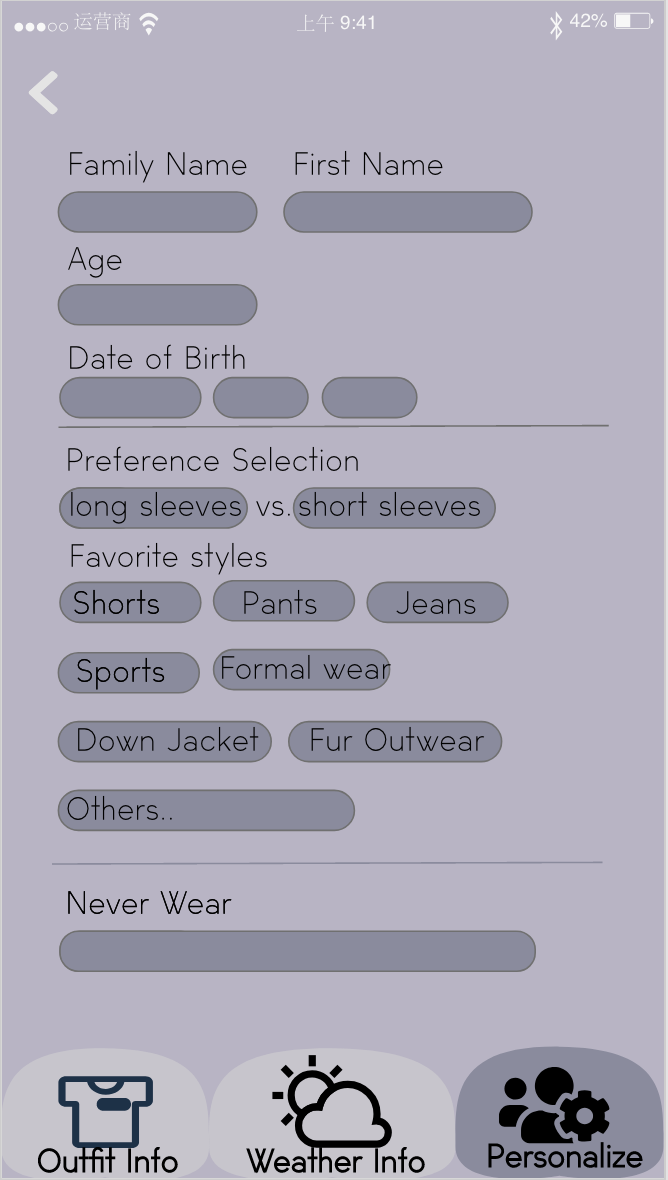
Select Male- male based fashion perference
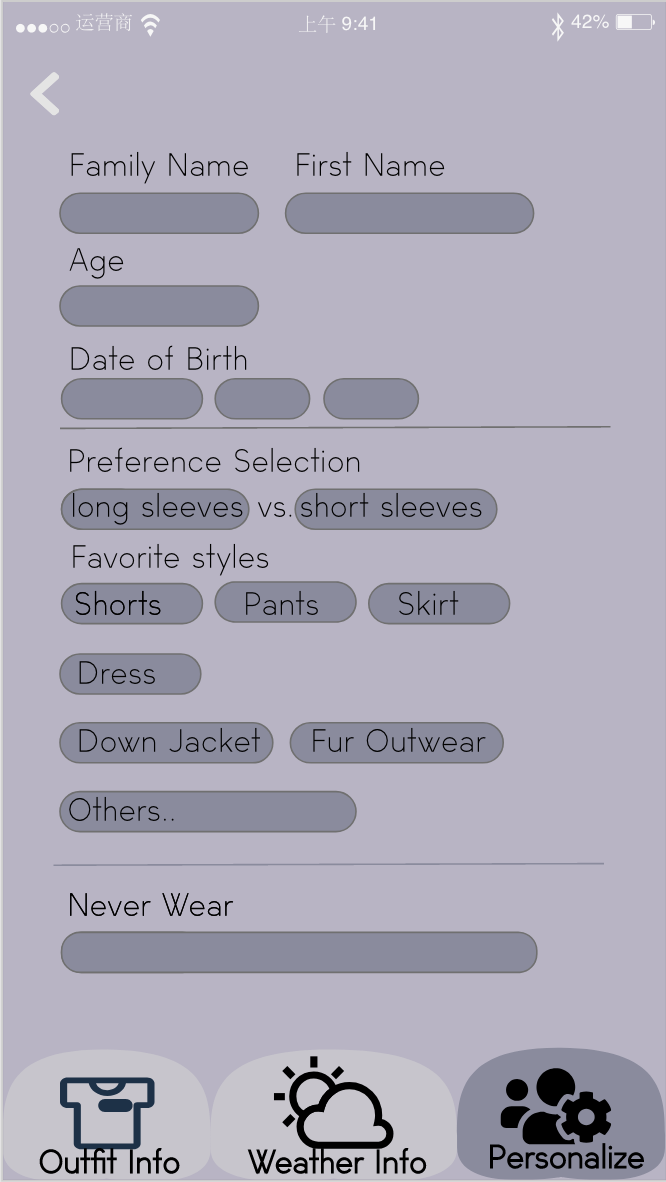
Select female- male based fashion perference
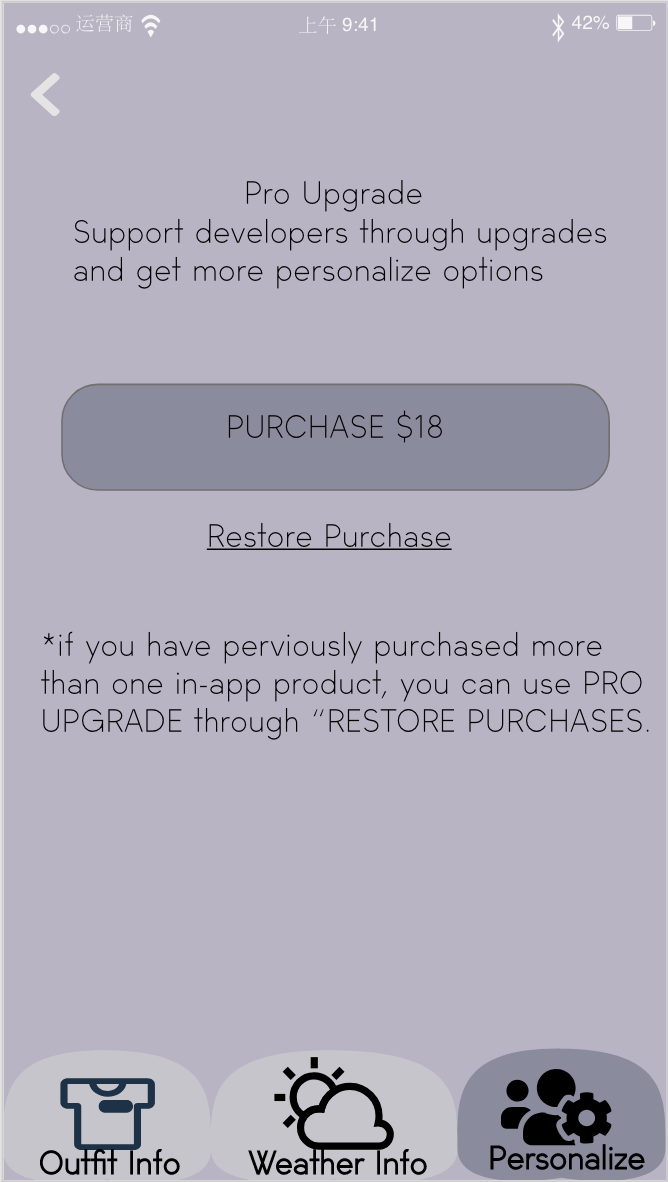
For premium membership. Unlock fashionstyle perference. TBD
Different weather input with differet outfit output
Avoid Wearing Hat
No fancy headwear
Avoid flimy dresses
Sunprotection: headwear,sunscreen,umbrella,sun glass
Cooling device
Umbrella
Rain shoes
Wearing Mask for health
Wearing snow shoes and heavy coat.
In spring, mostly from March to May. Target: people who have pouen allergy
Using Adobe XD.
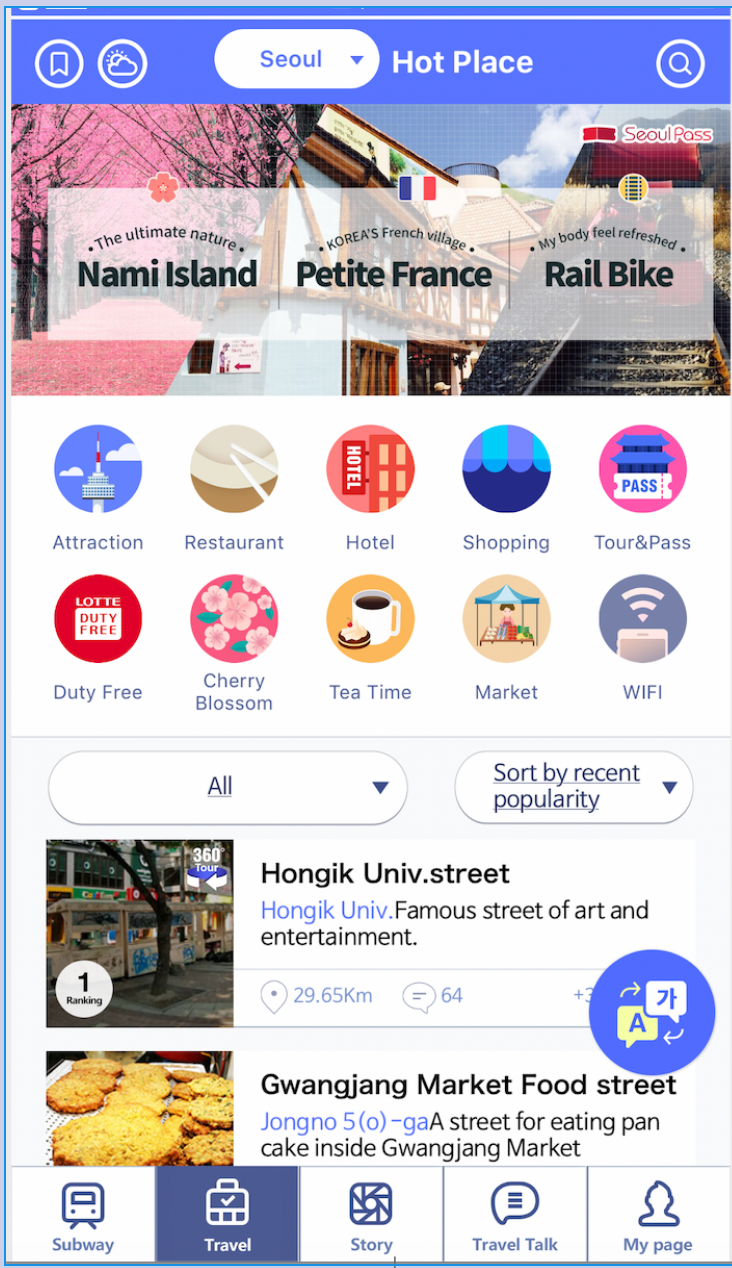
pain point: the main screen contains too much unnecessary function. Some are linked to other websites. The tab bars are crowded. According to HIG, “Include essential tabs only, and use the minimum tabs necessary for your information hierarchy” , tab bars contains less important functions.
According to HIG, “Avoid crowding a navigation bar with too many controls”, there were too much function within navigation bar of the main screen.

1. Reduce the menu to 3 instead of 1o.
cancel “bookmark” and “weather”
Using useful function (translator function) replace repeated info on other screens.
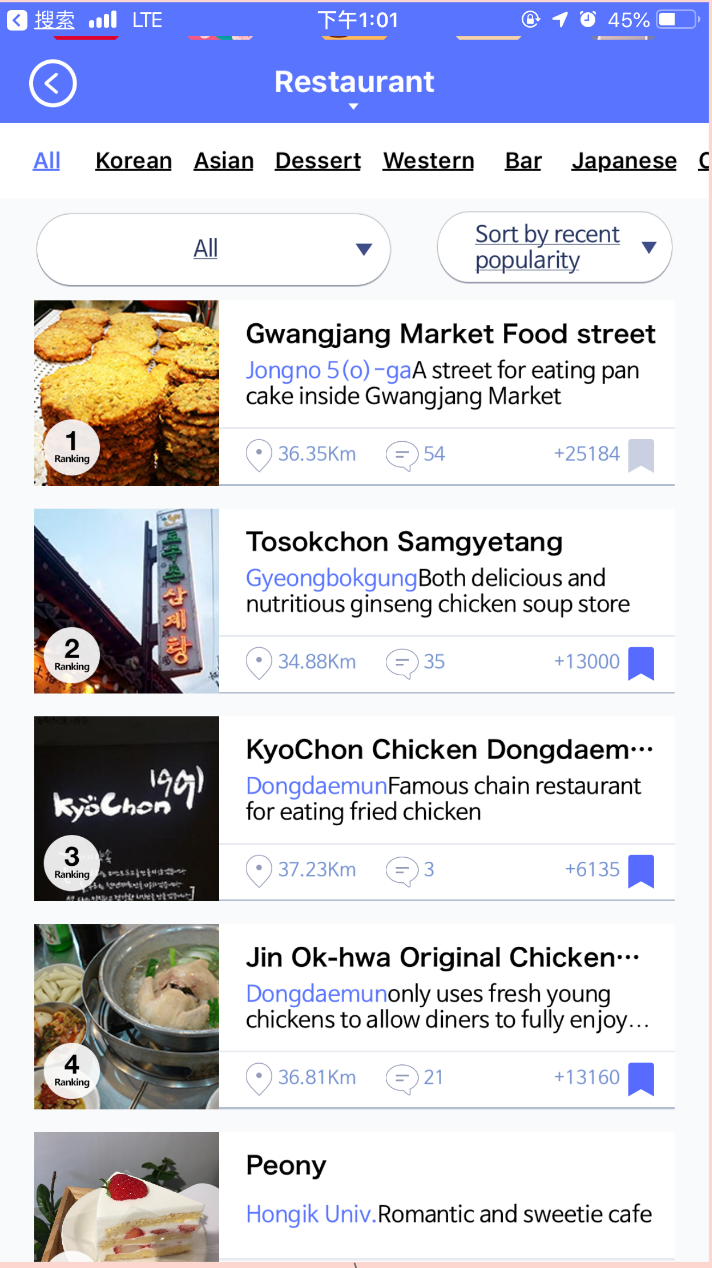
pain point: According to HIG, “Limit the number of segments to improve usability”, it is not a good idea to use segmented control to too much segmented controls to display categories of restaurants. Way of ranking the restaurants are not efficient.
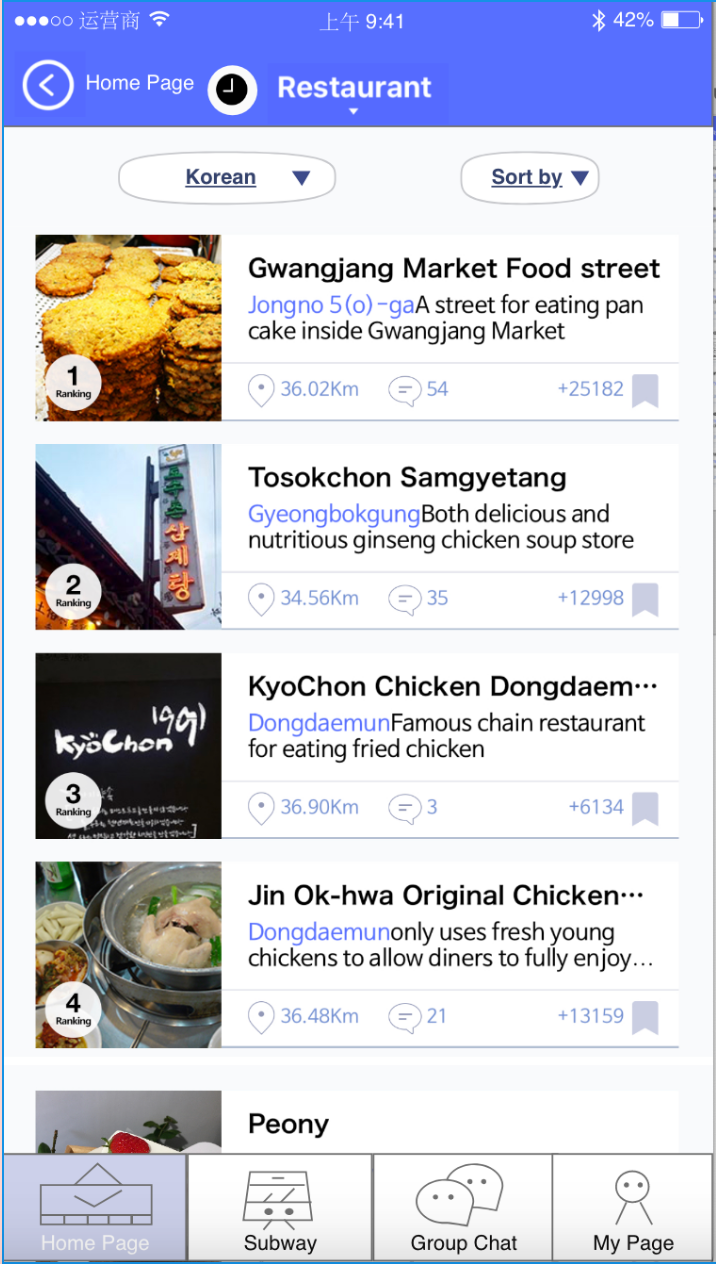
Enhancement: 1. Move the categories of restaurants to “the up left picker, which originally was “All”.
2. Add the bookmark at the navigation bar, and divide the bookmark into two separate pages- bookmark for restaurants and bookmark for subway, which can help user focus on their current task.
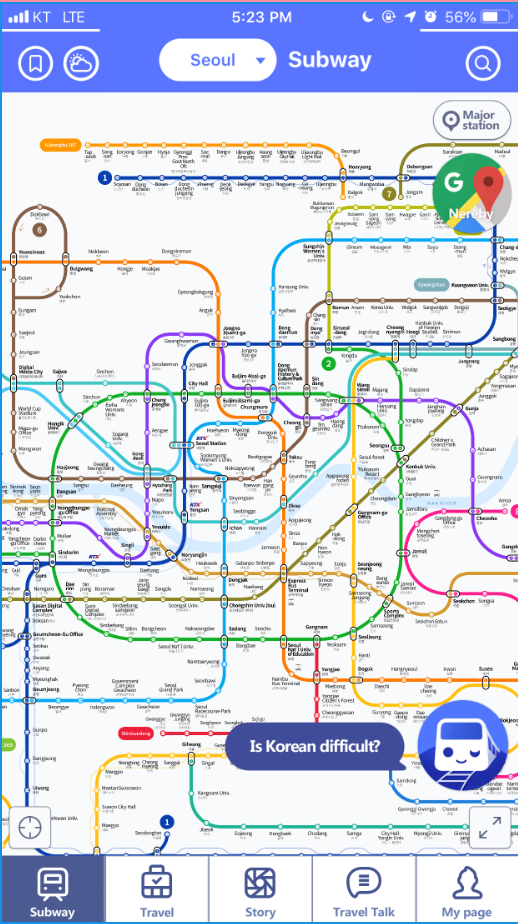
Pain point:the displays of subway station are not clear, starting station and destination station cannot be seem at the same time. The floating icon of translator and google map is disturbing the view of map.
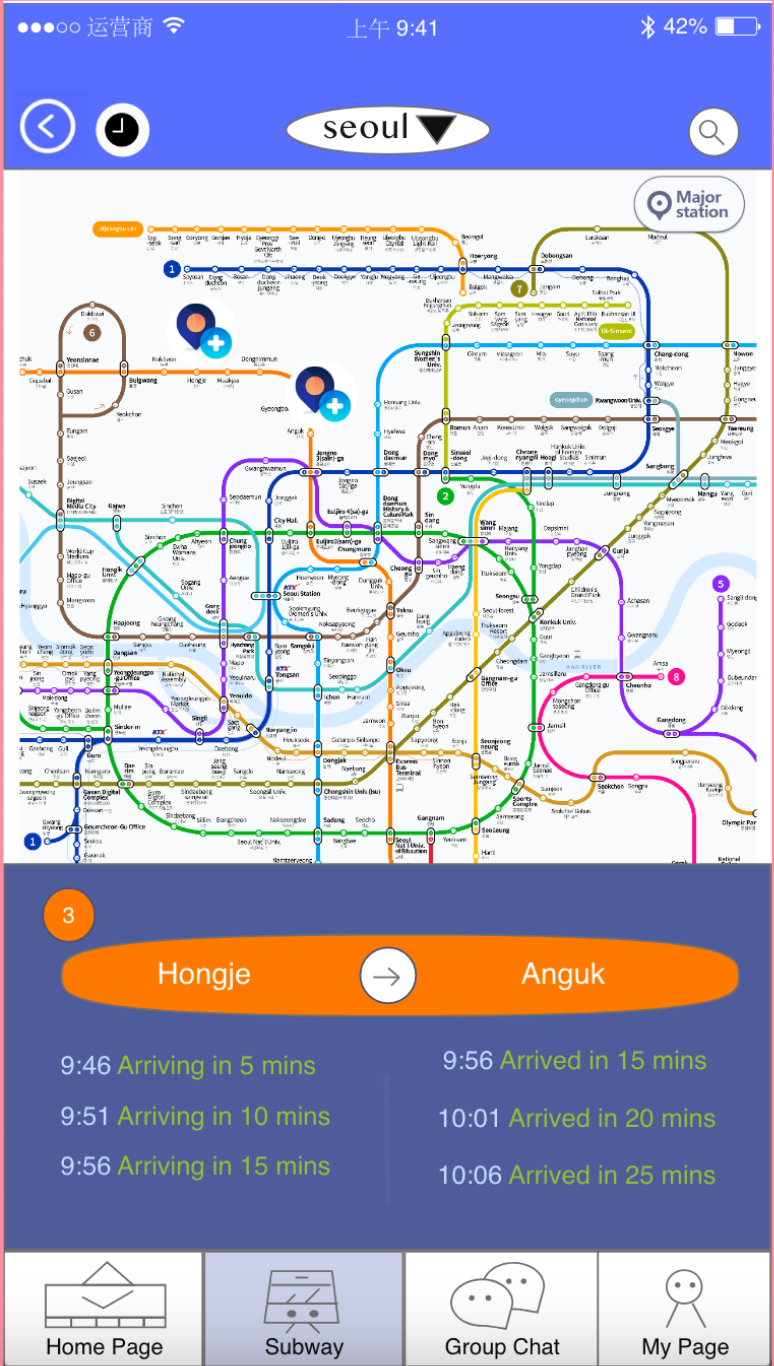
Enhancement: 1. adding a activity view for info about subway stations, like the time when train arrival.
2. Cancel the translator (since there are translator function on the main screen) 3. apply the same GPs functions within the subway map, and cancel the floating icon.